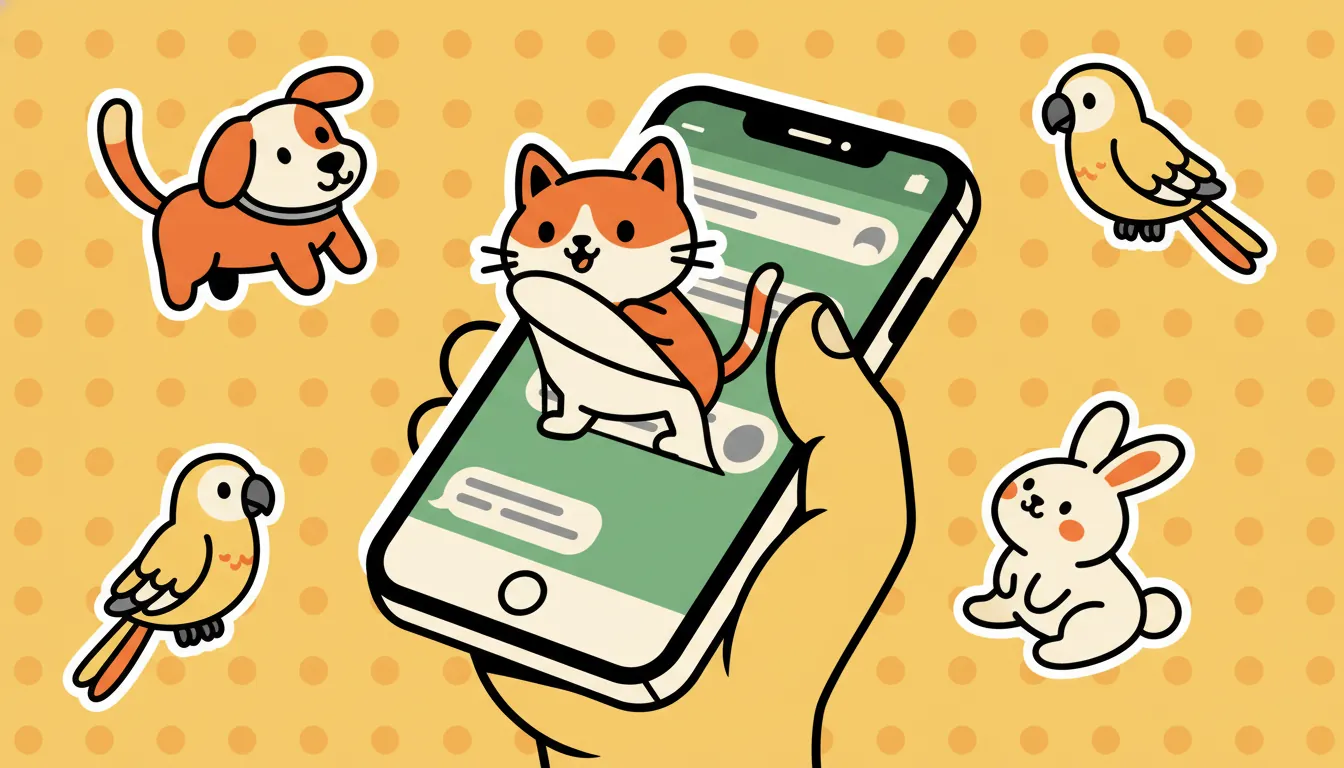
WhatsApp added an in-app sticker creator in 2024 — you can now drag any PNG into a chat and turn it into a sticker, no developer account or Android Studio required. Combined with the per-sticker pack tools, you can build a full pack of your pet stickers in about five minutes.
what you need
- WhatsApp installed (any recent version on iOS or Android)
- A folder of transparent PNGs — exactly what stickr exports
- About 5 minutes
the 4-step flow
download your stickr pack
open whatsapp's sticker creator
add each sticker
send & share
"can i make a real installable pack like the ones in the store?"
Yes, but it's a separate path. Pack-style stickers (the ones with a tray icon and a publisher name) require a small companion app built with WhatsApp's open-source sample sticker apps on iOS or Android. That's the only way to wire the "Add to WhatsApp" button.
For a personal pack you'll send to friends, the in-app creator route above is faster and ships zero code. For a brand-style pack you want strangers to install, you'll need the native shell.
troubleshooting
- "Sticker is too large" — WhatsApp's hard cap is 100KB per static sticker. Stickr's exports are well under this, but if you brought your own PNG, shrink it with Squoosh first.
- White edges around the cutout — your source PNG isn't fully transparent. Re-export from stickr (we run background removal automatically) or run it through remove.bg.
- iOS only — no "Sticker" option — update WhatsApp. The in-app creator landed in v23+ on iOS.
want truly one-click?
Telegram is the only major chat app with a fully open sticker API — stickr can push your pack straight into Telegram with one tap. Tap "send to telegram" on the preview screen and you'll have a shareable pack URL in about 10 seconds.