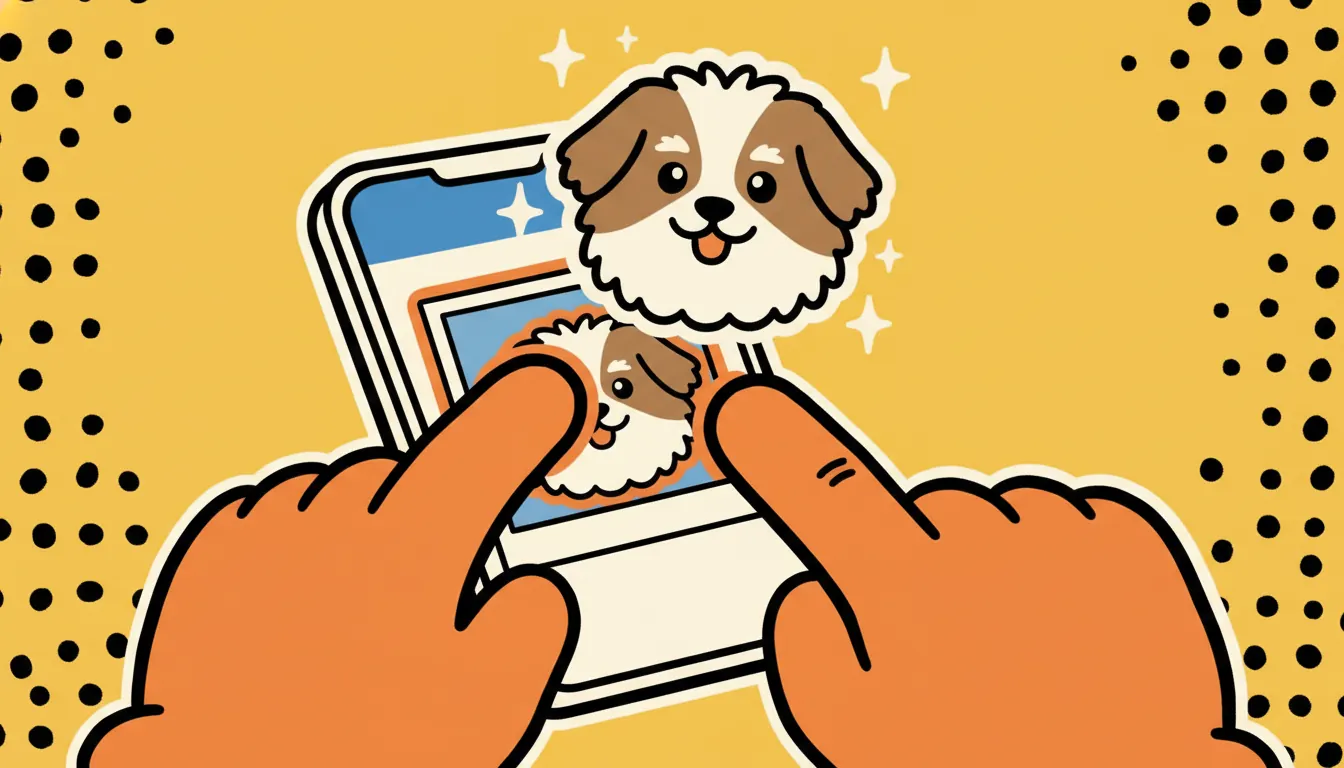
Before iOS 17 you needed Xcode and an Apple Developer account to ship a Sticker Pack app. Now Apple has baked sticker creation into the OS itself: long-press any image, tap Add Sticker, and it's instantly available everywhere — Messages, Mail, Notes, third-party keyboards. It works perfectly with stickr's transparent PNG exports.
the 90-second flow
download your stickr pack to your iphone
long-press the subject in photos
tap 'add sticker'
use it anywhere
"can i make a proper installable pack instead?"
Yes — Apple supports a separate "Sticker Pack App" you can ship on the App Store. It's drag-and-drop in Xcode (no code) but it does cost the $99/year Apple Developer fee, and your pack has to pass App Store review. For a pack you're only sharing with friends and family, the iOS 17 Live Sticker flow above is dramatically simpler.
Apple's spec for proper packs: PNG, APNG, or GIF with transparency, ≤500KB per sticker, in three size tiers (Small 300×300, Medium 408×408, Large 618×618). stickr's output already meets the Medium tier; bump it through a free resizer if you want all three sizes.
troubleshooting
- "Add Sticker" doesn't show up — your image probably doesn't have a clearly-separable subject. stickr's exports come pre-cut on a transparent background, so this shouldn't happen — but if you brought your own image, iOS needs decent contrast between subject and background.
- Sticker looks pixelated — iOS samples the long-press selection at roughly 300px. Re-export from stickr at full resolution (we save 1024px+).
- Can't find them in Messages — they live under the second tab in the sticker drawer (next to emojis), not the first. The icon looks like a peeling sticker.
want truly one-click?
iOS 17 still requires that long-press dance per sticker. The only chat app where stickr can push a full pack in one tap is Telegram — tap "send to telegram" on the preview screen and you'll have a shareable pack URL in about 10 seconds.